Ø-week: AI and Robotics
Machine Learning with LEGO Spike Prime
The Silly Walker (with building suggestion)
Spike Prime program: nn-classification
Spike Prime program: silly-walker
Tips for Building
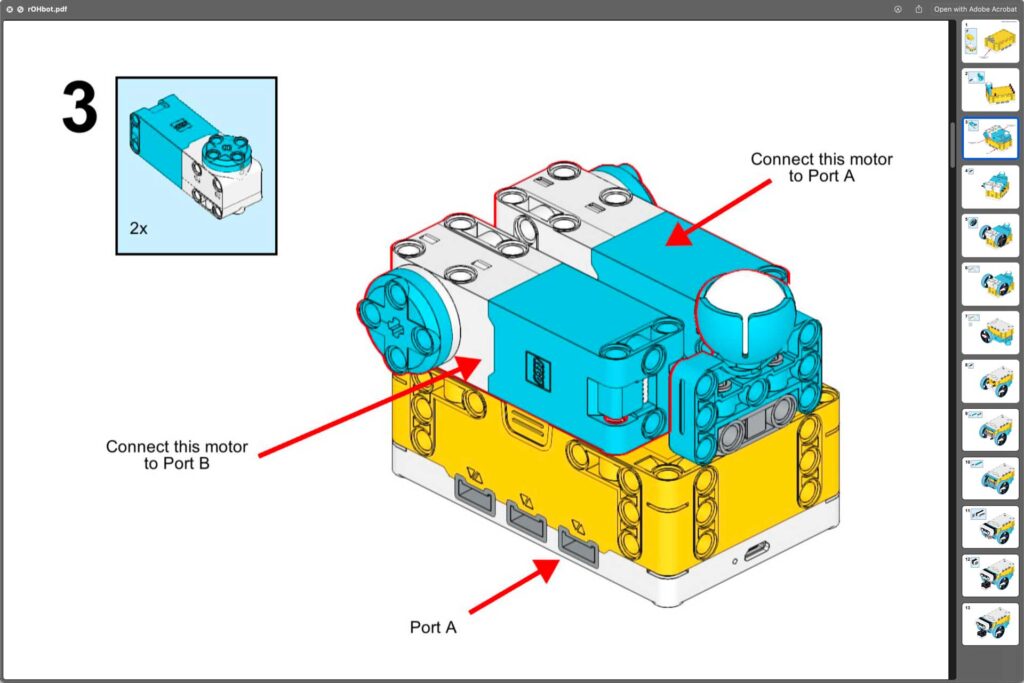
- Wiring – keep wires tugged away nicely to avoid entanglement
- Recharge – don’t block the USB-port
Tips for programming
- Load the Extensions: More Motors, More Movement and More Sensors
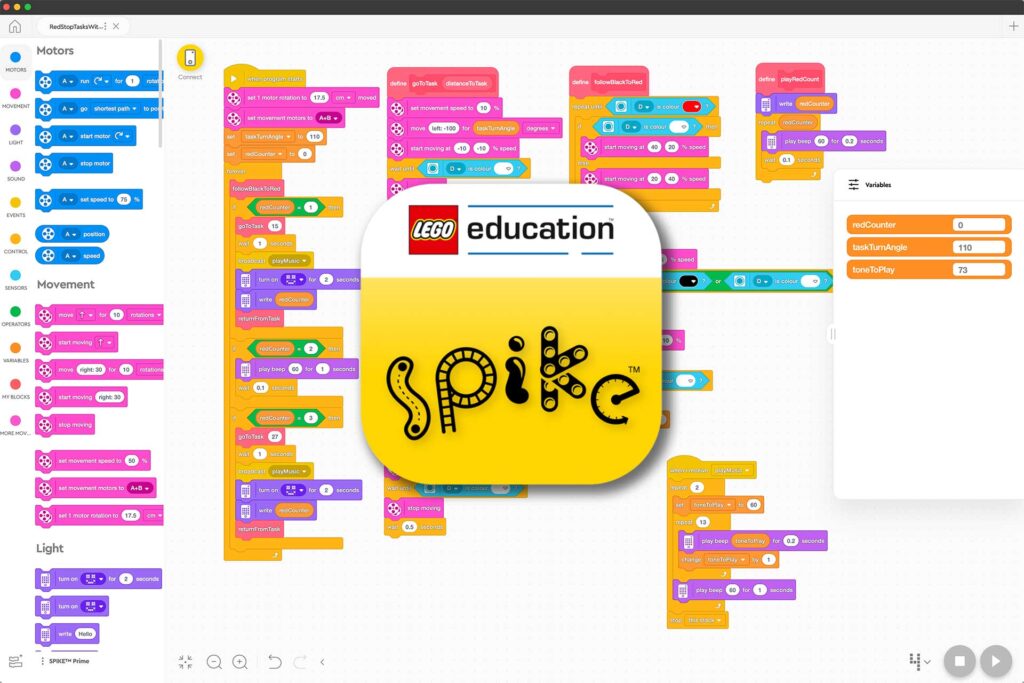
- Split program in parts by utilizing reusable My Blocks
- Make a test-program to develop small parts of main program and use ctrl/cmd-C and ctrl/cmd-V to copy and paste
- Do multiple things at the same time by using:
broadcast
AI-models
Make a story about a LEGO robot…
- ChatGPT – https://chatgpt.com/
- Granite IBM – https://www.ibm.com/granite
- Mistral – https://mistral.ai/
- https://grok.com/c
AI-prompt-task
Make a 2 minutes pitch of a new subject
Choose a subject you don´t know a lot about – i.e.:
– Behavioral Economics
– Supply Chain Logistics
– Renewable Energy Systems
– Cognitive Ergonomics
– Public Health Infrastructure
– Data Privacy & Cybersecurity
– Agricultural Science
– Urban Planning
– Environmental Toxicology
– Materials Science
- Prompt and refine
- Make your pitch
Image generation – Tasks
1. Me as…
Make a great image of yourself as a …
(fictional character / superhero / profession / big interest / ..?)
2. Impossible situations…
Make images of i.e.:
– An underwater city at sunset
– A polar bear playing the violin in the subway
– A house floating upwards like bubbles
– ?
3. Fairy Tale Remix
Choose a fairy tale (Little Red Riding Hood, The ugly duckling, etc.).
– Create images in different styles (fantasy / disney / manga / etc..)
– Create images for different purposes (book cover / movie poster / etc..)
4. Promote a new Product
“Invent” a new product – i.e.:
– A sustainable energy drink for cats
– A smart helmet that can read minds
Now make images for:
– Product image
– Logo
– Advertising poster
Other tips
Motor-wiring and Movement
If you use set movement motors to A+B – then:
• wires crossing side ⇒ forward is the end with buttons
• wires on same side ⇒ forward is the end with USB-port